Direct the punch line
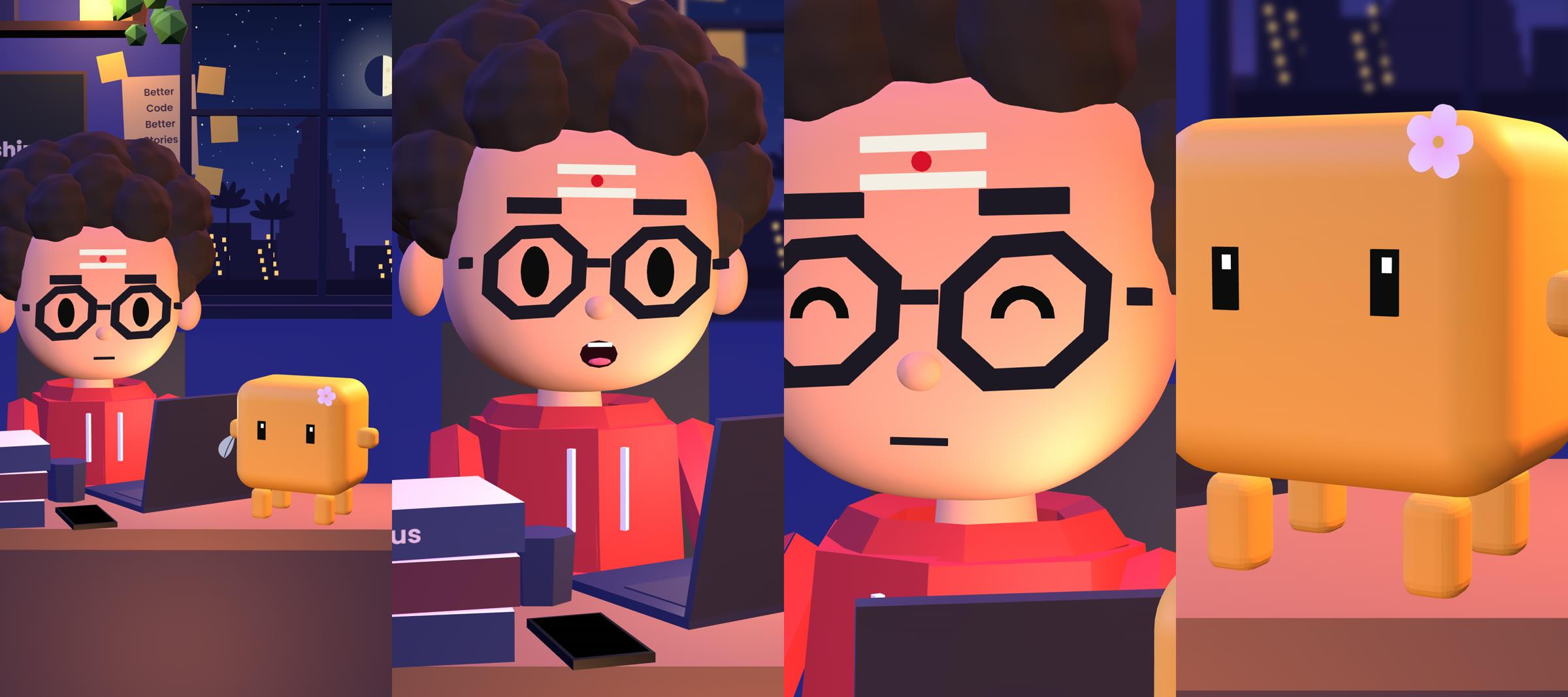
14 camera shots, cuts inside a line, six facial moods, waves and facepalms. Cue a hit on the last word and cut to the listener’s reaction.
A Claude Code skill by Nilavil
Two voices. One animated Short.
Give Claude Code your dialogue and voice recordings. The Dev and Bit act it out in a 3D set, with camera cuts, lip sync and reactions timed to the joke.
One-time purchase · Setup support included
Demo episode
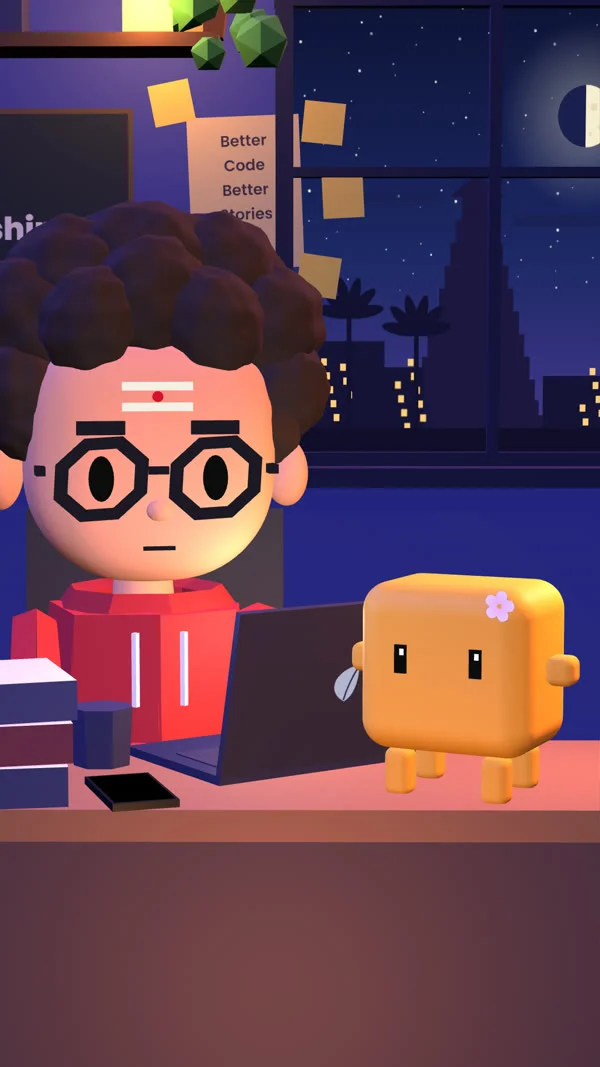
The Dev fixes a login bug. Bit asks if he ran the tests. Watch how the cuts, close-ups and captions carry the joke in the bundled demo episode.
DEV It’s a one-line change, bro.
BIT Which line?
Captions on · Silent preview
The cast
Change the hoodie, hair, glasses, buddy colour and even the name on the chalkboard in one file. Pick a smooth or faceted low-poly look for your series.
How it works
Give the Dev and Bit a few lines each. Run an animatic first to try the timing, then add recordings or your own text-to-speech audio.
Pick the look, camera cuts, moods and reactions. Drop in a laptop alert or a buzzing phone and save the close-up for the punch line.
Check stills before the full local render. Get a vertical 1080 × 1920 MP4 with optional captions and a mix ready for Shorts and Reels.
Inside the ZIP
Built for creators making coding skits, Tamil and Indian-language Shorts, or client explainers.
14 camera shots, cuts inside a line, six facial moods, waves and facepalms. Cue a hit on the last word and cut to the listener’s reaction.
Show a chat, loading bar, code or an alert on the laptop. Cut to the phone, bring in a notification or end on a title card.
Audio-driven mouth movement, optional captions, two music beds, a hit sound and a resumable render with a −14 LUFS mix.
Includes the demo episode, cast guide, writing and recording guide, troubleshooting and a Claude Code installation prompt.
Digital download · Version 1.0
You’ll need a paid Claude plan with Claude Code, plus Node.js, ffmpeg and Chrome. Bring recordings or text-to-speech audio for voiced episodes.
₹300 one-time payment
Connecting to checkout…
Download the ZIP from this page after payment.
FAQ
A paid Claude plan with Claude Code, plus Node.js, ffmpeg and Chrome on Windows, macOS or Linux. Keep an internet connection while rendering so fonts can load.
Bring your own recordings or audio from any text-to-speech tool. The skill animates the mouths from those files. You can also preview an episode as an animatic without providing audio.
Yes. Tamil and other scripts are supported by the captions with the appropriate font. The Dev is Indian by default, and you can customise his appearance.
Choose the smooth or faceted look and customise colours, hair, hoodie, glasses, props, and signage. Version 1.0 has two seated characters in one room. It supports customisation through settings and has no photo-to-avatar or walking scenes.
A 40-second Short rendered in about two minutes on a recent Windows laptop. Slower computers can take 10–30 minutes. Rendering resumes from frames already saved if interrupted.
Yes. The included licence allows personal and commercial videos, including client work. Keep the skill files for your own use.
After payment, download the ZIP from this page. Reopen it in the same browser to recover the download. If you need installation help or paid on another device, message @tamil_ai_updates with your Razorpay payment ID.